Earlier this year, I expanded my collection of Apple products and integrated them into my daily routine. I had been contemplating getting a smartwatch, with several options in mind, including Fitbit and the Samsung Galaxy Watch. However, since I already owned a MacBook and an iPhone, I ultimately decided to get an Apple Watch to fully enjoy the seamless ecosystem that connects all my Apple devices.
I began exploring the internet and watching YouTube reviews of different Apple Watch models, each catering to specific occasions and needs. Initially, the Apple Watch Ultra garnered plenty of praise for its impressive battery life, durability, and resistance to harsh conditions, among other features. However, upon closer examination, it became clear that this model came with a hefty price tag, which unfortunately exceeded my budget (sshhh don't tell anyone I was too broke to afford the Ultra).
After careful consideration, I decided to purchase the Apple Watch Series 8. This series offered two case size options: 41mm and 45mm. Although the 45mm case seemed appealing, I took into account that I don't have particularly large wrists, so I ultimately settled on the 41mm case. Now that it has become an integral part of my daily life and workflow, I use it every day. In this blog post, I'll share my review of the Apple Watch Series 8, highlighting what I appreciate and what I find less favorable about it.
What I Like About It
- Recording workouts
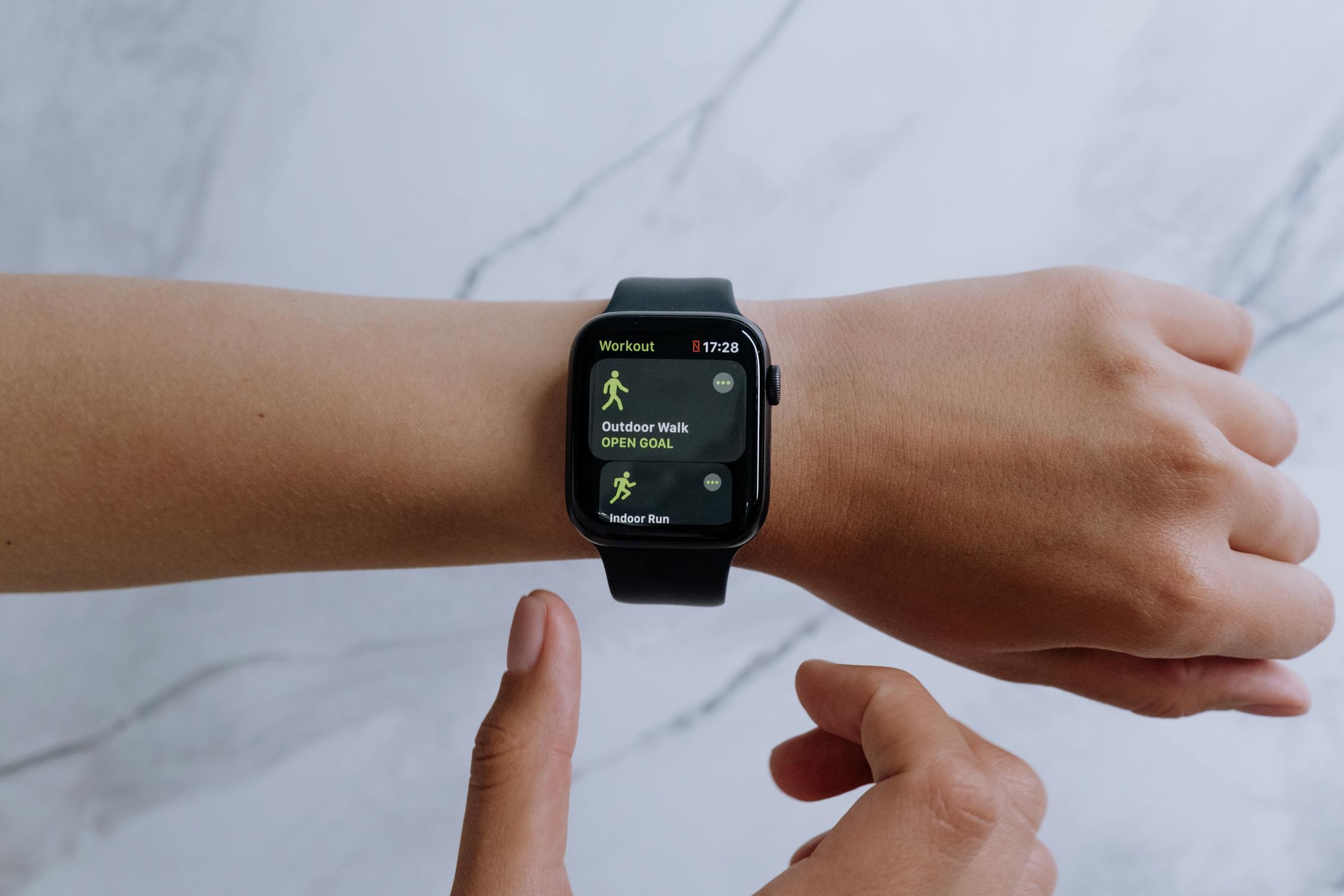
The Apple Watch comes equipped with built-in sensors to track various workouts, including daily exercises and goals for standing and sitting. These workouts can be conveniently logged in the app, allowing Apple to record them each time you engage in physical activity.
While I'm not a heavy workout enthusiast, I've found this feature to be particularly useful for tracking my weekend cycling routines. It's impressive how the watch can automatically detect when I start cycling and prompt me to record the workout. The workout logs provide detailed information, including heart rate, BPM, and other relevant data.
- Comunication
The Apple Watch has proven highly effective for communication, providing real-time notifications and chat capabilities. I receive notifications on my watch almost instantly when they arrive on my phone, and I can reply directly from my Apple Watch, even if my phone is out of reach. It's like having a mini phone on my wrist for quick access. Additionally, I've found it handy for commanding Siri to perform automation tasks, like starting workouts, playing music or making calls from my contact list
- Health
I have a couple of things I really appreciate about this watch in terms of health. I frequently receive notifications reminding me to stand up after extended periods of sitting at my desk. This feature is quite helpful in tracking my standing and sitting hours directly from the Apple Watch. Although not a daily occurrence, I often check my sleep hours and patterns, which the watch logs automatically.
I particularly appreciate the weekly reports that summarize my sleep hours for the week. Additionally, the watch keeps track of how many times I wash my hands with water. Whenever I start washing my hands, the watch automatically initiates a 20-second timer and records the data in the app.
Recently, I discovered a setting that allows the watch to remind me to wash my hands immediately upon returning home, which I found to be a valuable added feature The crash detection feature on the watch is incredibly reliable. I recall two or three instances where I had crashed while riding, and the watch promptly detected them, notifying me with a timer to contact emergency services and activate SOS. I found this feature to be cool and genuinely helpful, especially for those who engage in workouts or during emergency situations - it could be a lifesaver
The watch offers a range of health monitoring features, including temperature tracking, blood oxygen measurement, the ECG app, high and low heart rate notifications, and detection of irregular rhythms. Additionally, it provides menstrual tracking support for females. All these valuable health insights can be conveniently accessed and reviewed in the app.
- Aesthetics
I truly admire the watch's aesthetics. It appears comfortable and feels lightweight on my wrist. Even with the standard straps, it looks fantastic. I've been using watchOS 9 and recently upgraded to the latest watchOS 10 (as of September 5th, 2023), which features a stunning UI revamp and impeccable animations.
There are still some finer details I'm yet to explore, and I may update this blog post later with my experiences. The timer and bed stand functionalities are particularly impressive
What I Don't like About the Watch:
- Light/Beam sensors
It's quite common for the watch to emit light, particularly green and red, in certain situations. I've observed this mostly at night or when I'm about to go to bed. These beams of light can be distracting, and sometimes I need to cover my wrist to avoid seeing them. On one occasion, while I was out, the lights unexpectedly activated and drew attention from people around, which wasn't ideal.
- Battery duration
Currently, my battery health remains at a full 100% capacity according to the battery health app. However, the battery life itself doesn't last very long. Typically, I get a minimum of one day's use. Several factors contribute to this, including the choice of watch face. I've observed that animated watch faces, like the Toy Story one, tend to drain the battery faster due to the continuous animations when you raise your wrist. On the other hand, I've found that certain versions of the Numerals Duo watch face are more battery-efficient.
- Waterproof toggle
The Apple Watch Series 8 is indeed waterproof, but it requires manual activation of the waterproof feature. It would be more convenient if this feature were always active without the need for toggling. Once, while taking a shower with my watch on, I forgot to enable the waterproof mode and only realized it when I was already soaped up and wet. Thankfully, the watch was unaffected, but I wish this feature didn't require toggling.
- Scratches
This is more of a personal situation than a watch-related issue. Often, I unintentionally scratch my watch against surfaces when reaching for things with my left hand. There are a few minor scratches that are only noticeable upon close inspection.
Thank you for reading my blog post.